
Set up AmigaOS with your own copy
AmigaChrome runs open software out of the box. If you want a pure AmigaOS machine, you bring AmigaOS yourself: we don't include it, sell it or download it for you. Cradle checks the files you add and keeps them on your computer.
Choose your machine
Open machine
You add: nothing.
Ready to use. It boots the free AROS ROM.
AmigaOS 3.2.3
An A1200 with a 68040, RTG graphics and network.
You add: your AmigaOS 3.2 CD image (.iso) and the AmigaOS 3.2.3 update (AmigaOS-3.2.3.lha), which includes the Kickstart 3.2.3 ROM.
From: your purchase from Hyperion Entertainment or a reseller, and the update from your Hyperion account.
AmigaOS 4.1
The AC460, our PowerPC machine.
You add: your AmigaOS 4.1 Final Edition CD image, and Update 2.
From: Hyperion's digital store (we suggest the Pegasos 2 edition), and the update from your registered Hyperion account.
Set up AmigaOS 3.2.3
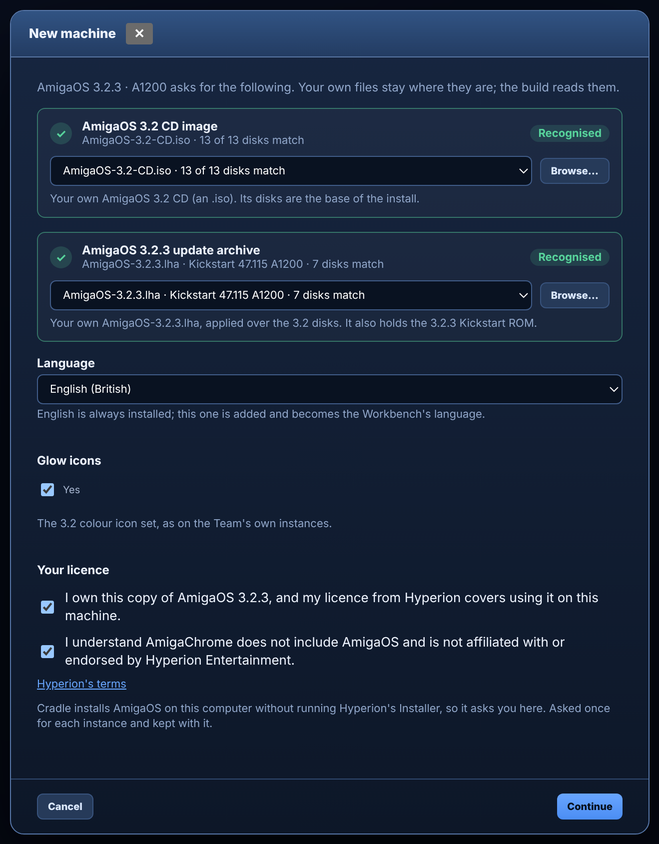
- Open Cradle and choose New instance, then AmigaOS 3.2.3.
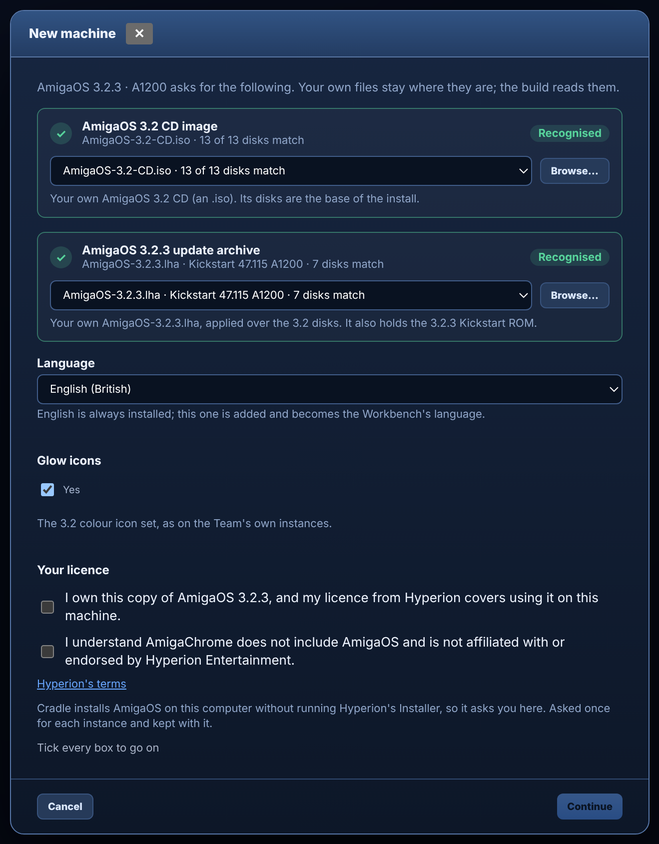
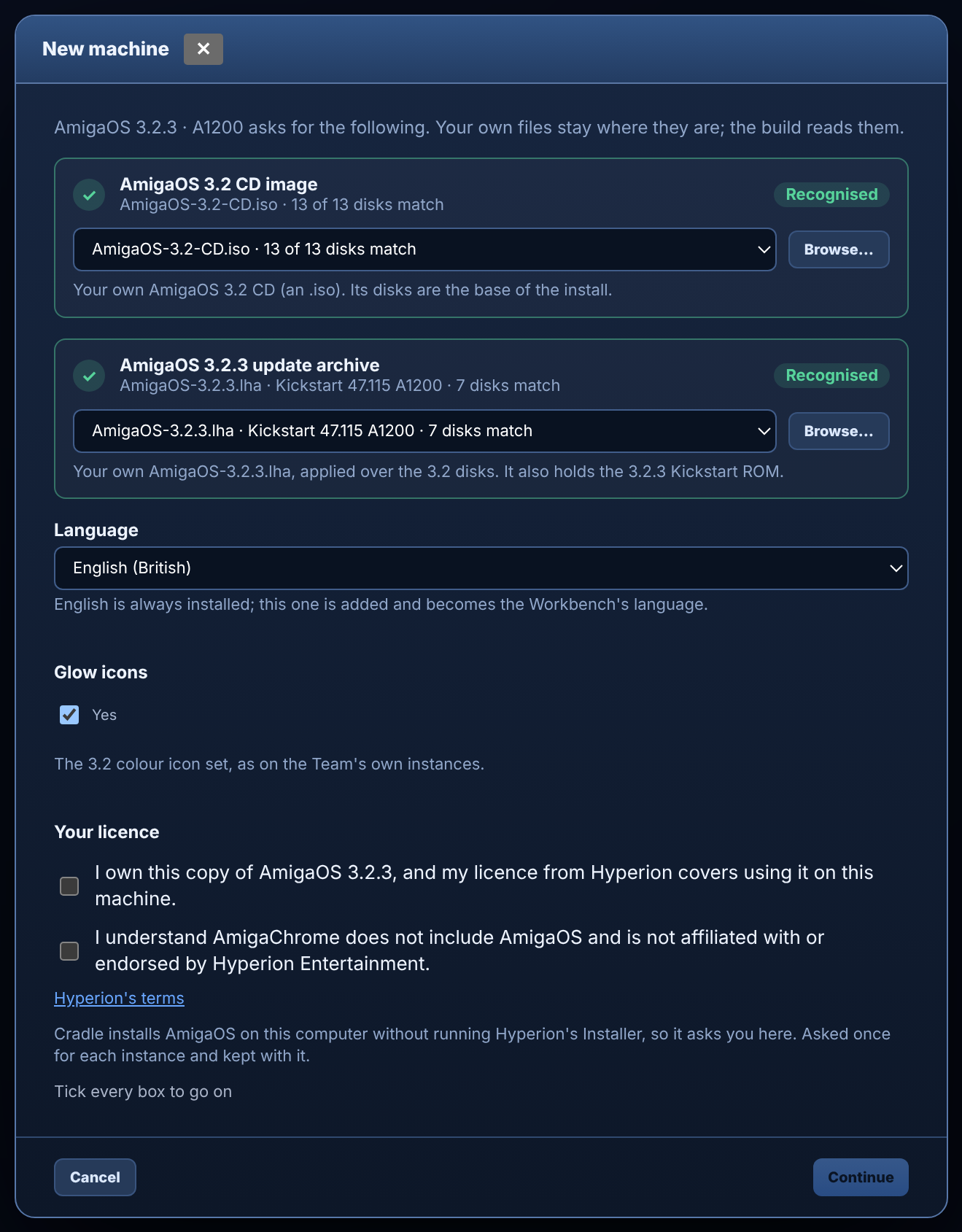
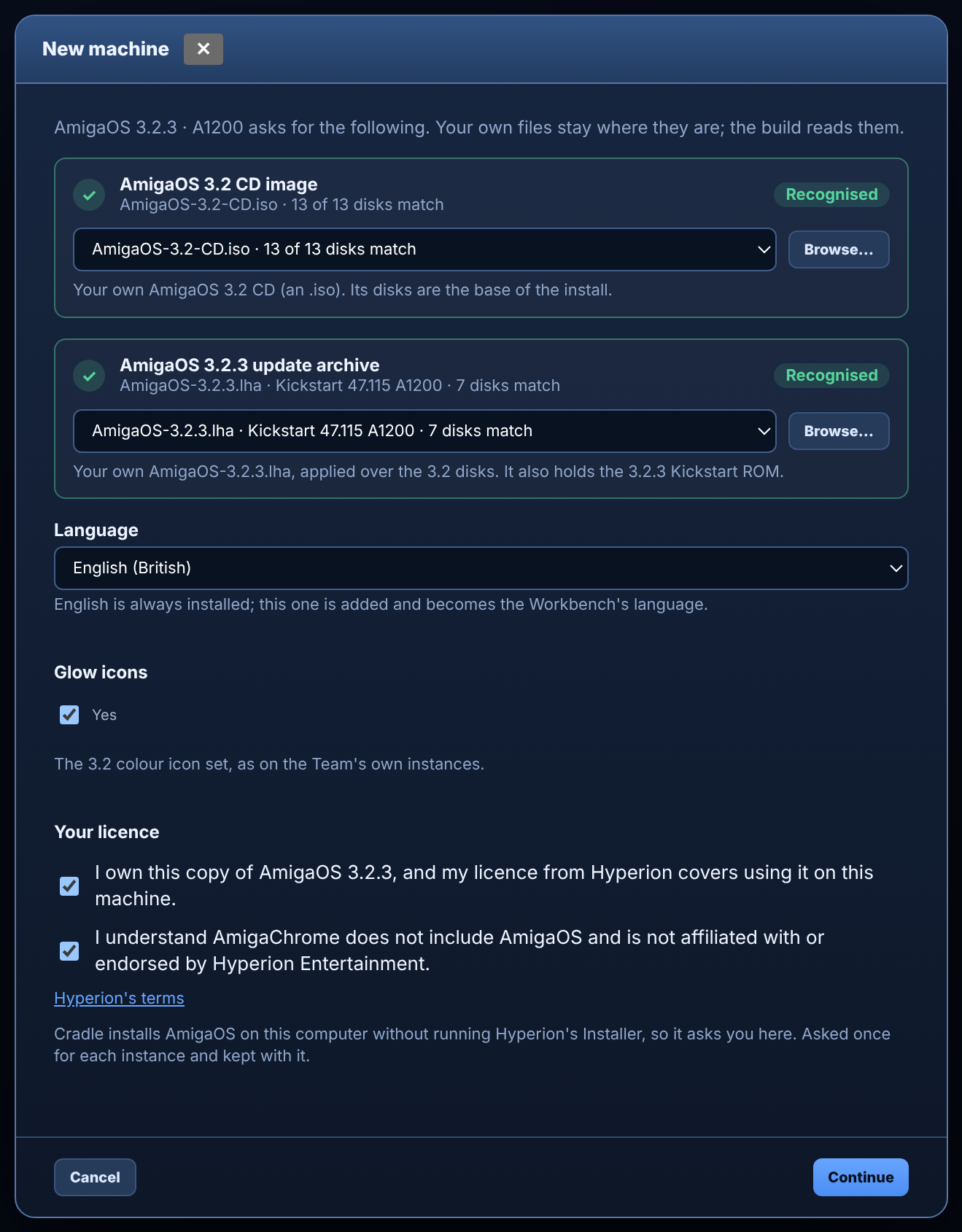
- Add your two files. Drop them on the Media Repository or choose them. The names don't matter: Cradle opens each file and recognises the disks and the ROM inside it.
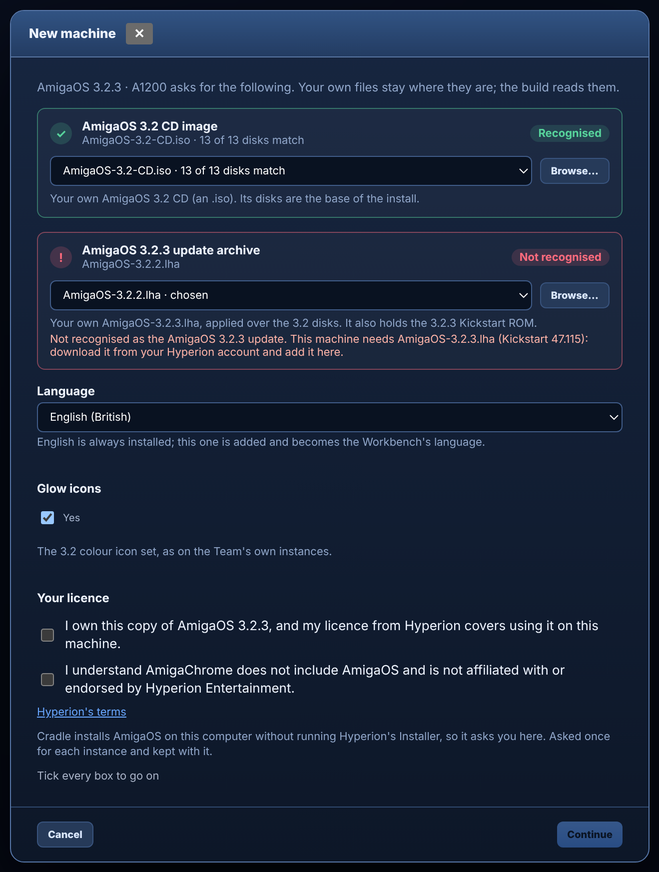
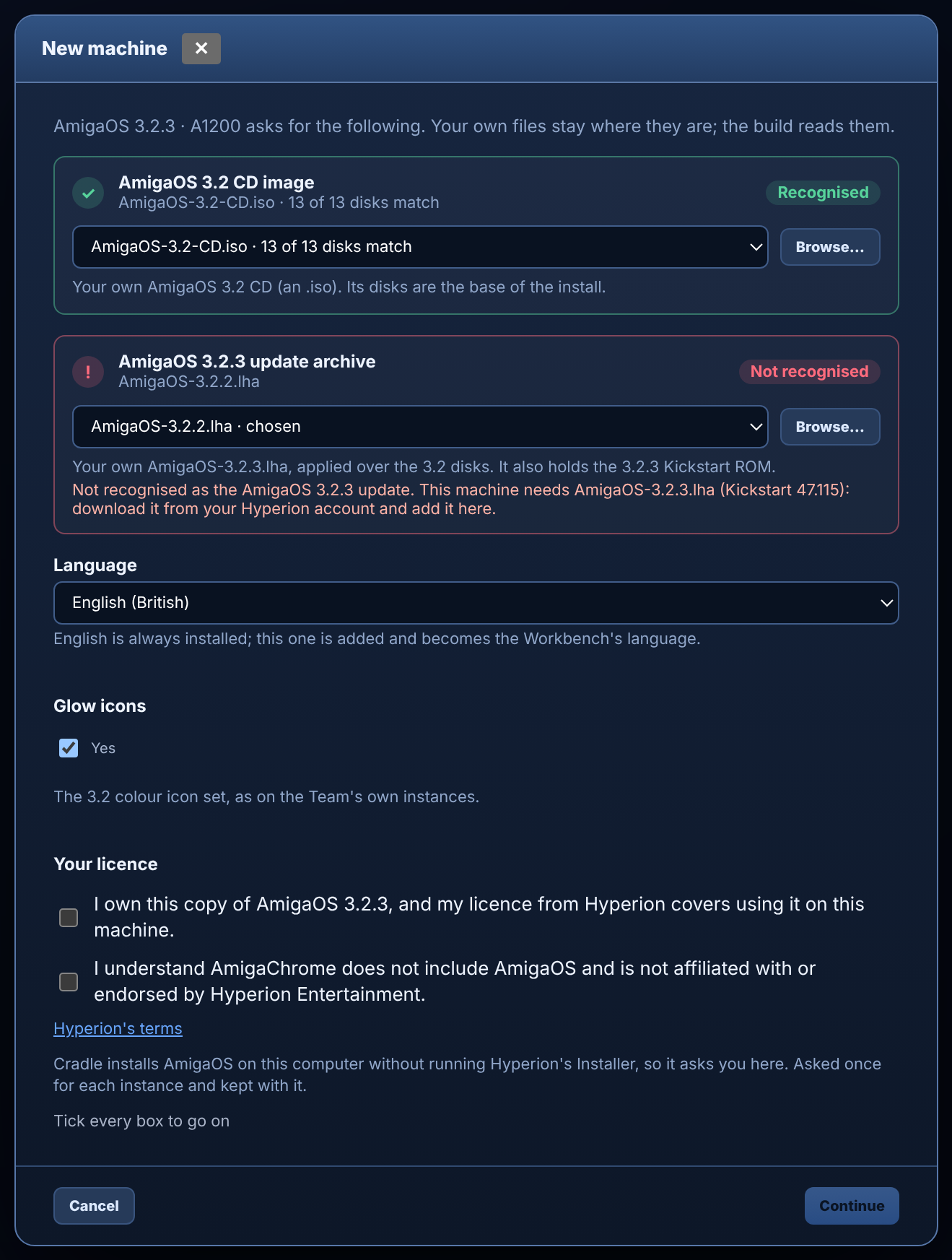
- Check both slots are green. If a slot says the file is the wrong version (for example the 3.2.2 update), download 3.2.3 from your Hyperion account and add that instead.
- Confirm your licence. Tick both boxes: that you own this copy and your licence covers it, and that AmigaChrome doesn't include AmigaOS. Cradle asks because it installs AmigaOS without Hyperion's Installer, which would normally show you the licence. Continue stays greyed out until both are ticked.
- Create the instance. Cradle installs AmigaOS onto the instance's DH0 on your computer, laid out as Hyperion's Installer would.
- Wait for the check. When the install finishes, Cradle runs the update's own InstallCheck, which compares every installed file with Hyperion's own list, and tells you about any file that doesn't match.



Set up AmigaOS 4.1
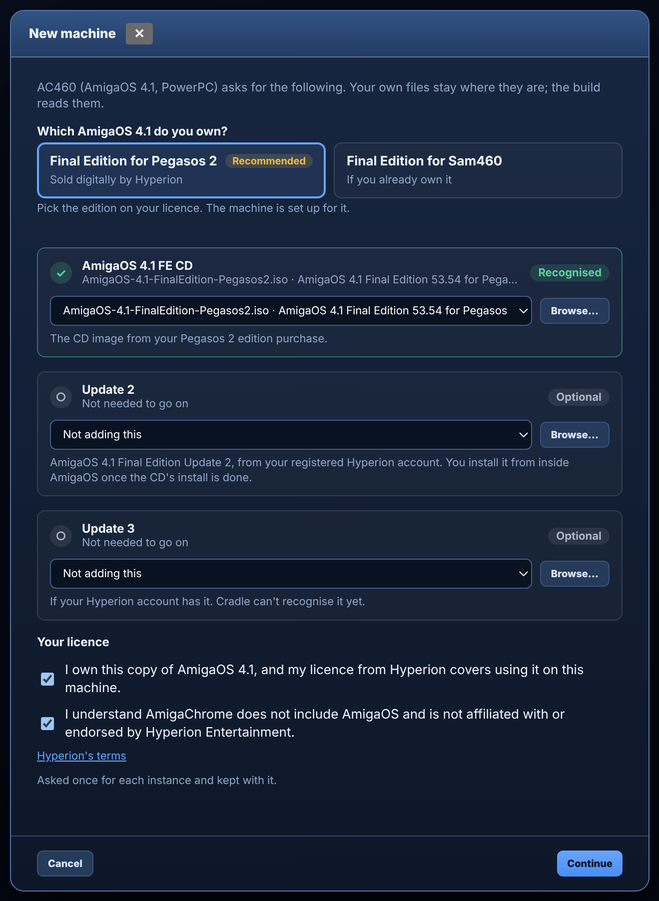
- Choose New instance, then AC460 (AmigaOS 4.1).
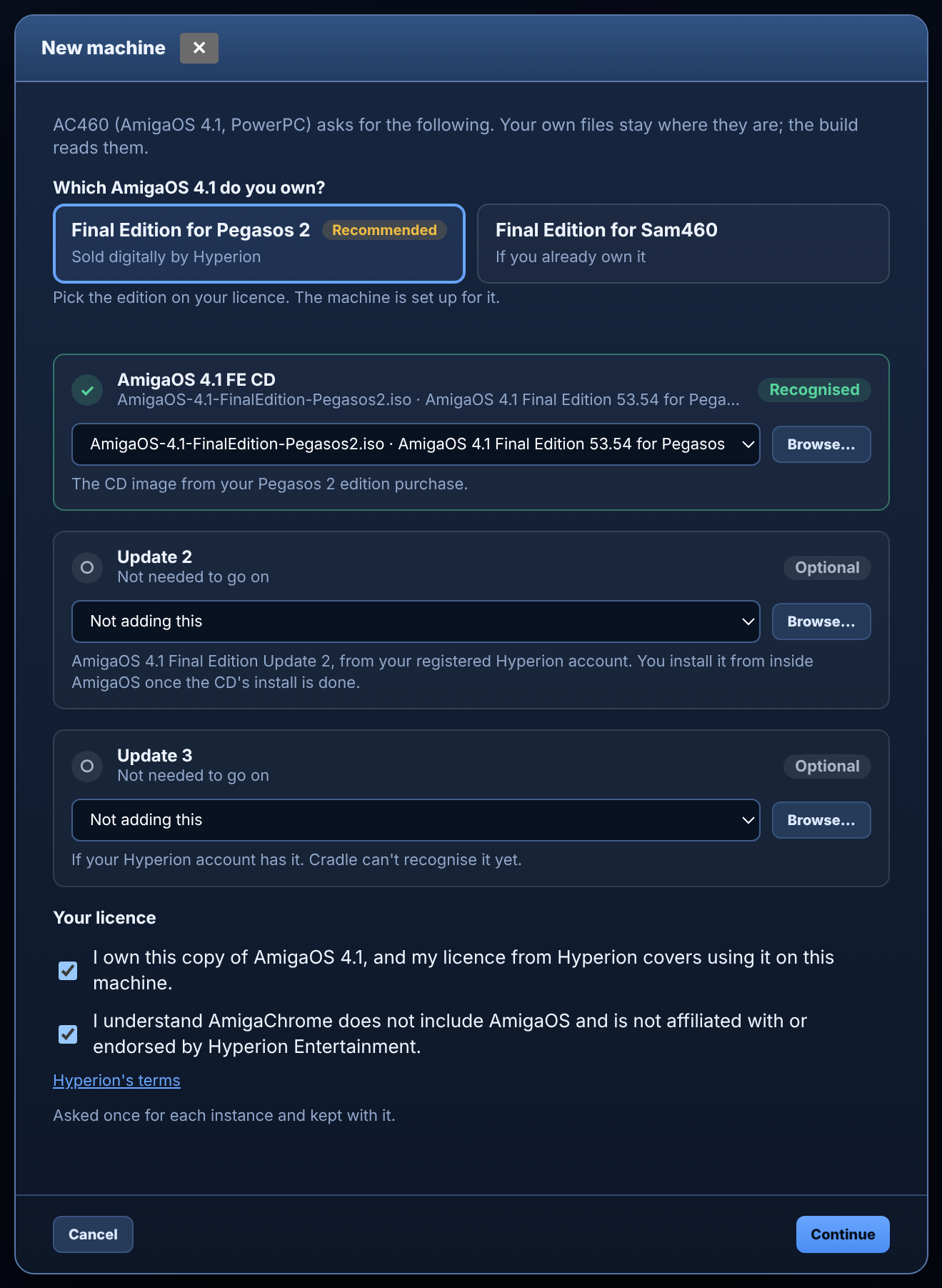
- Pick your edition. Choose the Final Edition on your licence. We suggest Pegasos 2.
- Add your CD image. Cradle recognises the Pegasos 2 Final Edition CD. It can't check a Sam460 CD yet, so it uses that one as you give it.
- Add Update 2 if you have it. Updates are optional here; you install them inside AmigaOS later.
- Confirm your licence with the two boxes, then Continue. Cradle puts the CD in the machine's CD drive.
- Install as usual with AmigaOS 4.1's own installer onto DH0, then apply Update 2, and Update 3 if your account has it.

What stays private
- Your AmigaOS files, the ROM and anything Cradle makes from them stay in your Media Repository and your instance folders.
- They are left out of diagnostics bundles, and never sent to us.
About licences
AmigaOS and Kickstart belong to Hyperion Entertainment. You need your own licence for the copy you use, and your licence's terms apply. AmigaChrome is not affiliated with or endorsed by Hyperion Entertainment. Amiga is a trademark of its owner.
Still stuck?
Tell us what Cradle shows on the contact page and we'll help.