
Twenty-four apps. One pack. One reboot.
OpenUp installs the Open family on your own AmigaOS 3.2.3: a word processor, a file manager, a media player, mail, a web browser, a new desktop and the network, set up to work together from the first start.
Our Amigas are back on the net
This month every machine in the club room got OpenUp. One pack, one reboot, and the A1200 in the corner was reading mail and printing to the office printer before the kettle boiled.
Bring your own disks on Thursday. We will set up yours too, and it costs nothing: every app in the pack is free.
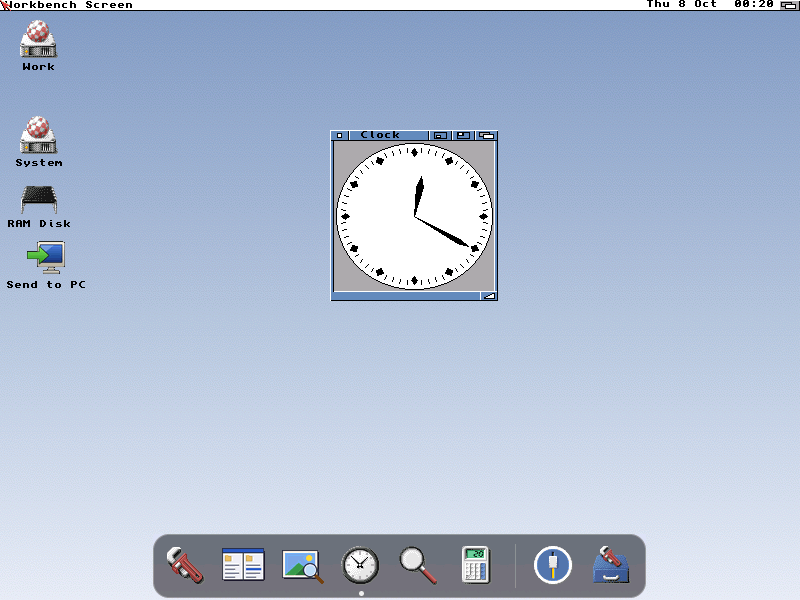
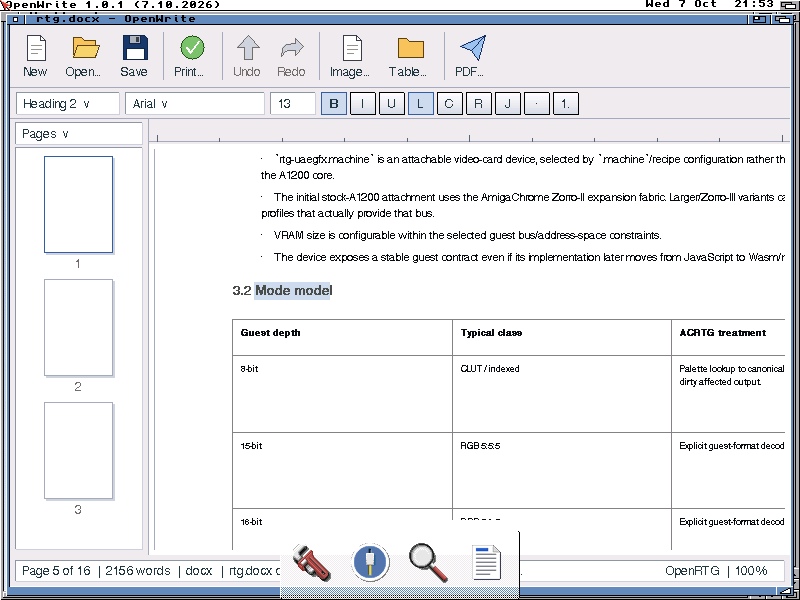
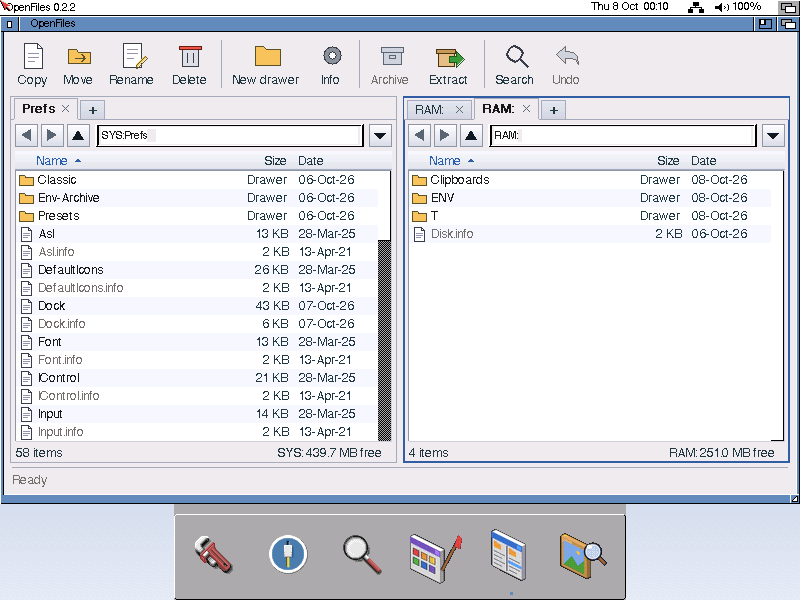
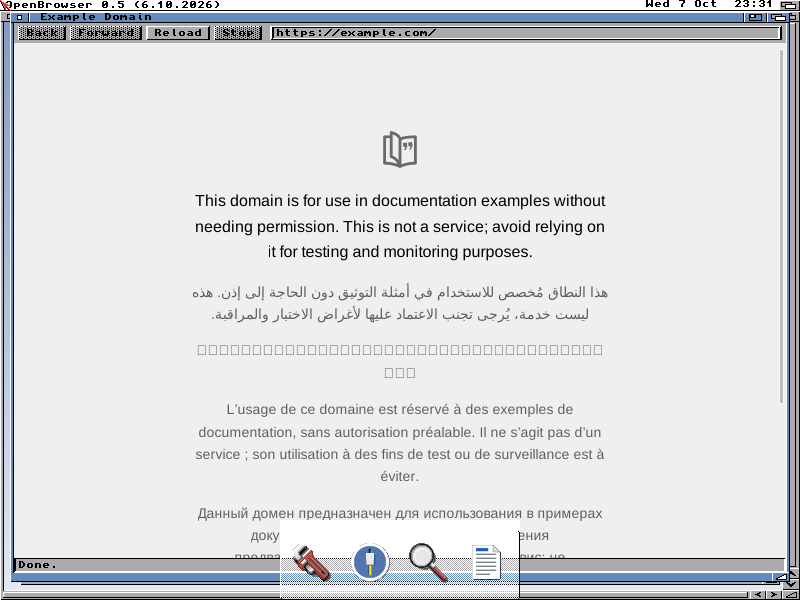
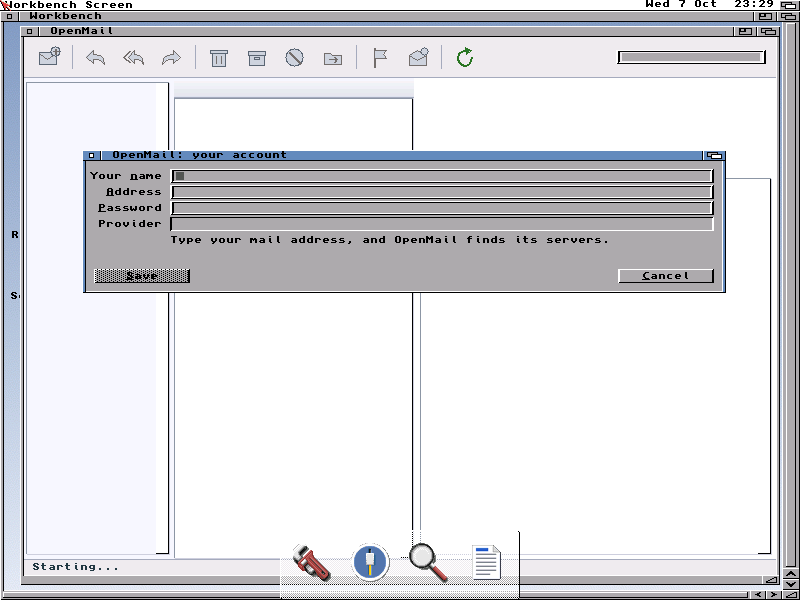
Real screenshots from AmigaOS 3.2.3 on AmigaChrome, 800×600
Apps for getting things done
They open the files you have today, from the PC and from other Amigas.
OpenWrite
1.0.2A word processor for DOCX, ODT and Amiga documents, with PDF export, printing, spelling and an ARexx port.
StandardOpenFiles
0.2A file manager with two panes and tabs, safe copies, a trashcan on every disk, and undo.
StandardOpenEdit
0.1A text editor with tabs, find and replace, and colours for scripts, C and AmigaGuide.
StandardOpenPlay
0.1Plays music, sound, video and pictures from anything the datatypes open, with a playlist and a slideshow.
StandardOpenPrint and OpenView
0.4Print to PDF and to the printers on your network, and view pictures and documents.
StandardOpenCompress
0.3Opens, tests and extracts ADF, ADZ, DMS, LhA, zip, tar and gzip, from its window or the Shell.
Standard
On the network, with nothing to set up
On AmigaChrome the network comes through the PC, so it works from the first boot.
OpenSocket
4.2The network: bsdsocket.library 4.2, for every Amiga internet app.
StandardOpenMail
0.2Mail over secure IMAP. Type your address and it finds Gmail, Outlook, iCloud and others. Needs AmiSSL 5.
PreviewOpenBrowser
0.5A web browser built on WebKit, for a 68040 with an FPU. Comes as its own download beside the pack.
PreviewAmigaChrome sharing
1.2The clipboard and files, shared with the PC the Amiga runs on.
Standard
Workbench, looking its best
One look across every app, light or dark, and the conveniences you expect.
OpenLook
0.4One look for every GadTools app, frames and title bars too, in five themes, light or dark.
StandardOpenDock
0.2A see-through dock for your apps. It takes over the ToolManager, AmiDock or AmiStart buttons you already have.
StandardOpenMenus
0.5Menus in the theme's look, a right-click menu on every icon, and the menu bar at any edge of the screen.
StandardOpenWindows
0.3Windows snap to edges and to each other, Amiga+Tab switches between them, and a double-click on a title bar brings a window forward.
StandardOpenTitle
0.4The logo, free memory, a clock and the settings cog on the screen's title bar.
StandardSound
0.1The volume, Amiga sound and AHI in one place, and a speaker on the menu bar.
StandardBackgrounds
0.1Each theme's desktop picture, fitted to your screen.
StandardOpenBlanker
1.0The screen blanker. After five minutes it plays Gods and Angels, a thank-you to the people who kept the Amiga alive.
Always
The parts that make the apps work
Today's file formats, true-colour screens and MUI apps, without buying anything else.
OpenImage
0.1Datatypes for today's files: WebP and WebM on the Amiga itself, and AVIF, HEIC, MP3, FLAC, video and office documents through AmigaChrome.
StandardOpenTypes
0.2Choose which app opens each kind of file.
StandardOpenService
0.1Services from AmigaChrome's boards, such as decoding a photo from a phone.
StandardOpenRTG
0.10Workbench on a true-colour screen without Picasso96, on AmigaChrome's graphics card.
Your choiceOpenMUI
0.1MUI apps run through Zune, with nothing to buy and your own MUI left alone.
PreviewOpenUp Setup
0.1A few questions at the first start, and a switch for everything OpenUp starts with the machine.
Standard
MIT licensed, and free as in beer.
- Free as in beer
- No price, no registration, no keyfiles and no nag screens. Download it, install it, give it to your friends.
- MIT licensed
- The source of every Open app is yours to read, change and build on. If you do, the Team asks that you credit Dalsin Limited and AmigaChrome.
- Nothing to undo
- Every file OpenUp adds is listed in its manifest, and Uninstall-OpenUp puts your system back exactly as it was.
Three steps, and nothing to read first.
Install AmigaOS 3.2.3
Your own copy, as Hyperion ships it. OpenUp adds to it and never deletes any of it.
Run the pack
Unpack
OpenUp-0.6.14.lhaand double-clickInstall-OpenUp. The recommended answer is ready for every question.Reboot
The network, printing, the look and the dock are there on the next start.
Uninstall-OpenUptakes it all out again.
OpenUp 0.6 is for AmigaChrome instances, where new machines can come up with it already installed. Real Amigas and the PiStorm come next.